
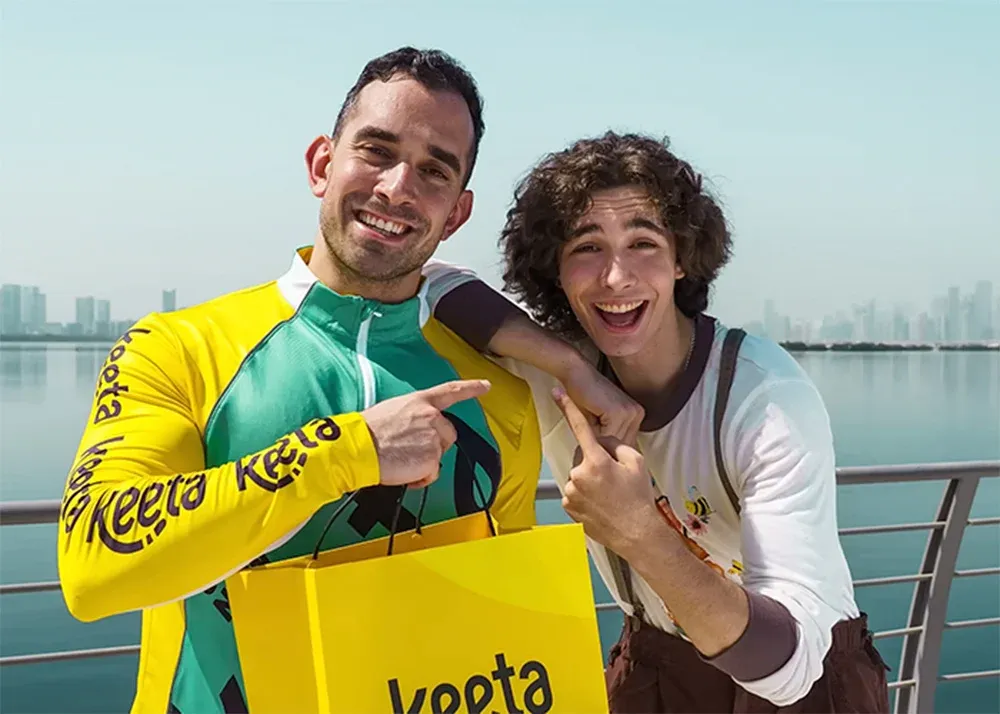
When Keeta launched in new markets, the app offered a large signup incentive split into multiple smaller rewards across the first several orders. That structure of the multi-stage voucher campaign didn’t just generate downloads — it created repeat behavior. Restaurant owners using Mobstep can apply the same approach: attract with a strong welcome offer, then keep customers returning with staged, diminishing vouchers and timely reminders.
Below you’ll find a concise explanation of the strategy, a direct mapping to Mobstep capabilities, a clear step-by-step implementation guide, and suggested KPIs so you can measure success.
Why multi-stage voucher campaign work for restaurants
Immediate attraction: A large initial incentive drives app installs and first orders.
Repeat behavior: Breaking the total reward into multiple vouchers creates repeated triggers to order again.
Habit formation: Frequent, smaller wins (e.g., 20–30% discounts) help convert one-time users into regular customers.
Cost control: Tiered caps and per-user limits protect margins while maximizing lifetime value.
Keeta playbook (short) — the idea
Big signup hook (large voucher or wallet credit).
Split voucher value into several coupons tied to sequential orders (big → medium → small).
Remind users via push notifications about remaining vouchers and expiry.
Track redemption and tune values to optimize ROI.
Keeta vs. Mobstep — quick comparison table
| Keeta campaign element | What it achieved | How to replicate in Mobstep |
|---|---|---|
| Large signup voucher split into multiple discounts | High downloads and strong first-order conversion | Create a voucher pack: first-order coupon + follow-up coupons with per-user limits |
| Tiered sequence (e.g., 40% → 2×30% → 4×20%) | Encouraged multiple orders and formed habit | Use multiple coupons with “max per user” settings and redemption rules |
| Push reminders about remaining rewards | Increased redemption rate and urgency | Use Mobstep push campaigns to notify users when a coupon is issued and before expiry |
| Segmented targeting (new vs returning users) | Ensured right offer to right user stage | Use Mobstep’s customer segments to deliver specific coupons by lifecycle stage |
| Analytics & merchant onboarding | Rapid merchant growth and campaign iteration | Use Mobstep analytics to track redemptions, ROI, and repeat rate; iterate coupon caps and conditions |
Step-by-step guide — set up a Keeta-style campaign in Mobstep
1. Define budget & objectives
Decide total customer incentive per new user (e.g., $20 equivalent).
Define primary goal: downloads → first orders, or first orders → repeat orders.
Set acceptable CPA (cost per acquisition) and expected LTV uplift.
2. Design the voucher pack (example)
Tier A — Welcome: 40% off first order (cap e.g., up to $6) — limit 1 per user.
Tier B — Follow up: 30% off for orders 2 & 3 (cap $3 each) — limit 2 per user.
Tier C — Habit builder: 20% off for orders 4–7 (cap $2 each) — limit 4 per user.
Optionally: include free delivery coupon or wallet credit as a retention mechanic.
3. Create coupons in the Mobstep dashboard
Marketing → Coupons: create one coupon per tier.
For each coupon set: type (percentage or fixed), cap, min order value, validity window, and Maximum per user.
Add tags or coupon codes for tracking (e.g., WELCOME40, NEXT30, HABIT20).
4. Target coupons to customer segments
Assign Welcome coupon to New Downloads (signed-up but no orders).
Assign Follow up coupons to New Customers (1 order completed).
Assign Habit coupons to Active / Returning users (based on order count).
This enforces sequential access: a user sees the next coupon only after they advance lifecycle stage.
5. Set up push notification sequences
Notification 1 (on signup): “Welcome — here’s 40% off your first order. Use code WELCOME40.”
Notification 2 (after first order): “Great first order — your 30% off voucher is ready for your next meal.”
Notification 3 (2 days before expiry): “You have X vouchers left — use them before they expire.”
Use concise CTAs and localize messages for language/market.
6. Configure coupon expiry & rules
Stagger expiries to encourage usage (e.g., welcome voucher expires in 14 days, follow-ups in 30 days).
Use minimum order values or time constraints to protect margins.
7. Launch, monitor & iterate
Launch campaign and monitor conversions: coupon redemptions, average order value, repeat order rate, and CAC.
If redemption is low, adjust messaging or extend validity. If cost is high, tighten caps or increase min order value.
Push notification examples (copy-ready)
Signup push: “Welcome to [Restaurant]. Enjoy 40% off your first order — tap to order now.”
Post-order push: “Thanks for ordering! Your 30% off voucher for the next 2 orders is ready.”
Expiry reminder: “Only 48 hours left to use your remaining vouchers — don’t miss out.”
KPIs to track (and targets to aim for)
Download → first order conversion (target: 15–30% depending on market).
First → second order conversion (target: 30–50% of first-order users).
Coupon redemption rate (good benchmark: 40–70% depending on expiry).
Repeat order rate within 30 days (aim to increase baseline by 10–25%).
CPA for new customers vs. Projected LTV (ensure campaign is sustainable).
Best practices & margin protection
Use caps on percentage discounts (e.g., 40% up to $6) to avoid deep losses on large orders.
Require a minimum order value for higher tiers to protect unit economics.
Stagger expiry dates so users feel urgency but have time to redeem.
Combine coupon offers with loyalty points or wallet credit to lengthen retention beyond voucher expiry.
A/B test: try slightly different caps or expiry windows to find the highest ROI.
Final checklist before launch
Coupon tiers created with per-user limits
Customer segments configured and tested
Push notification sequence scheduled and localized
Analytics set up to capture coupon redemptions and repeat orders
Merchant and operations teams briefed (menu availability, delivery windows, exceptions)
Ready to turn new downloads into repeat customers? Set up your multi-stage voucher campaign today inside your Mobstep dashboard (Marketing → Coupons), and use targeted push notifications to nudge customers through each step. If you’d like, we can draft the exact coupon settings and notification copy for your menu and margins — tell us your target incentive budget and market, and we’ll help you convert it into a campaign plan.